
Join Public Study Groups
Open study groups for every exam, where you study alongside students with the same goal.
Pick a group for your exam or study style, join in one tap, and start your timer. You'll see who's studying right now, how many hours everyone has logged today, and a group chat for the breaks.
Inside a Public Study Group
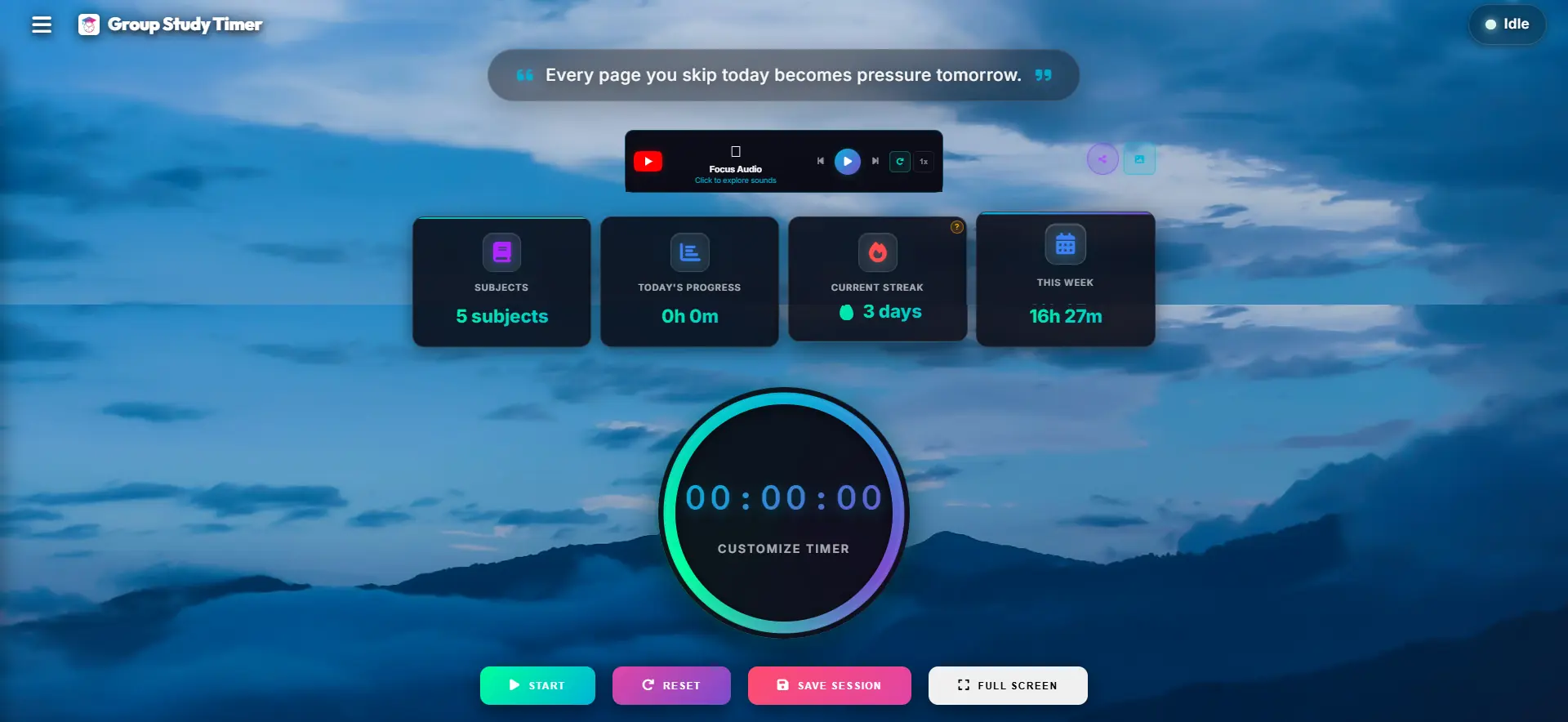
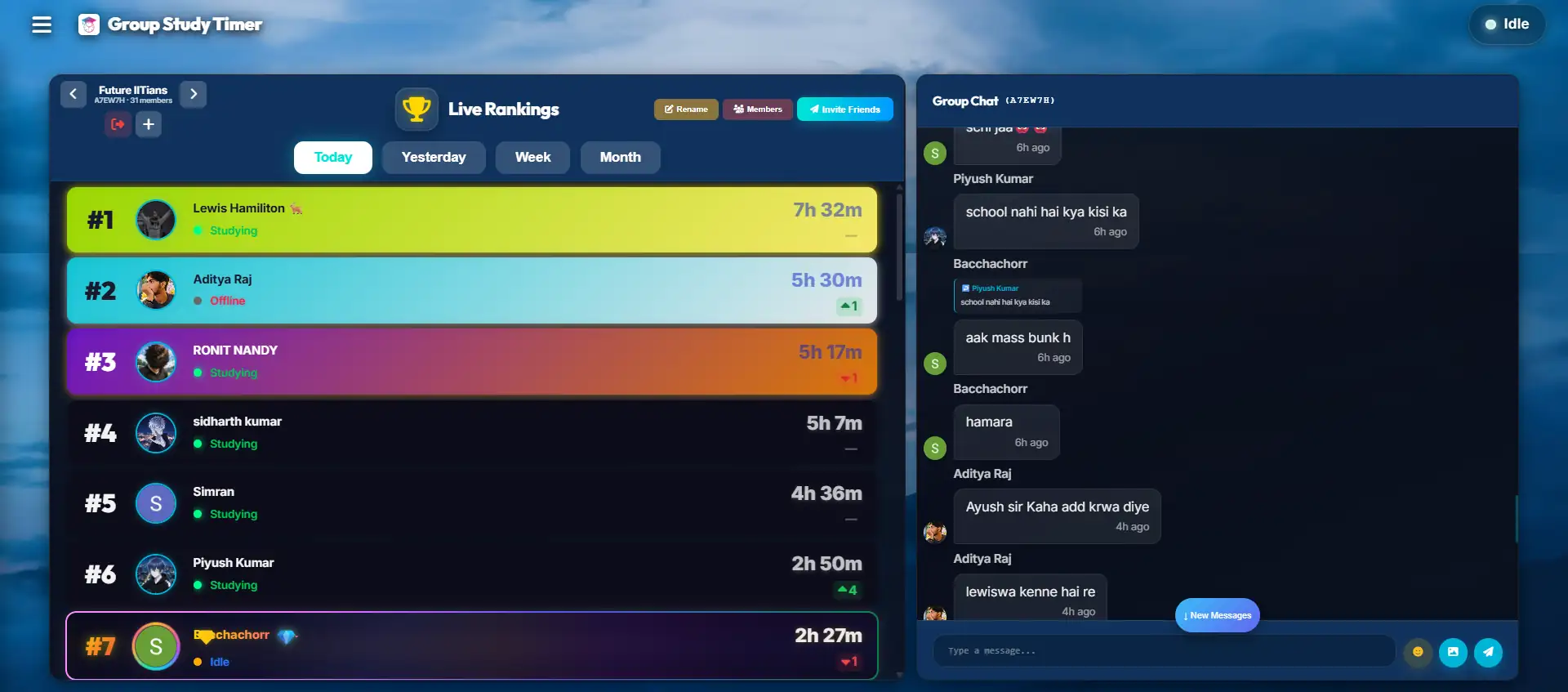
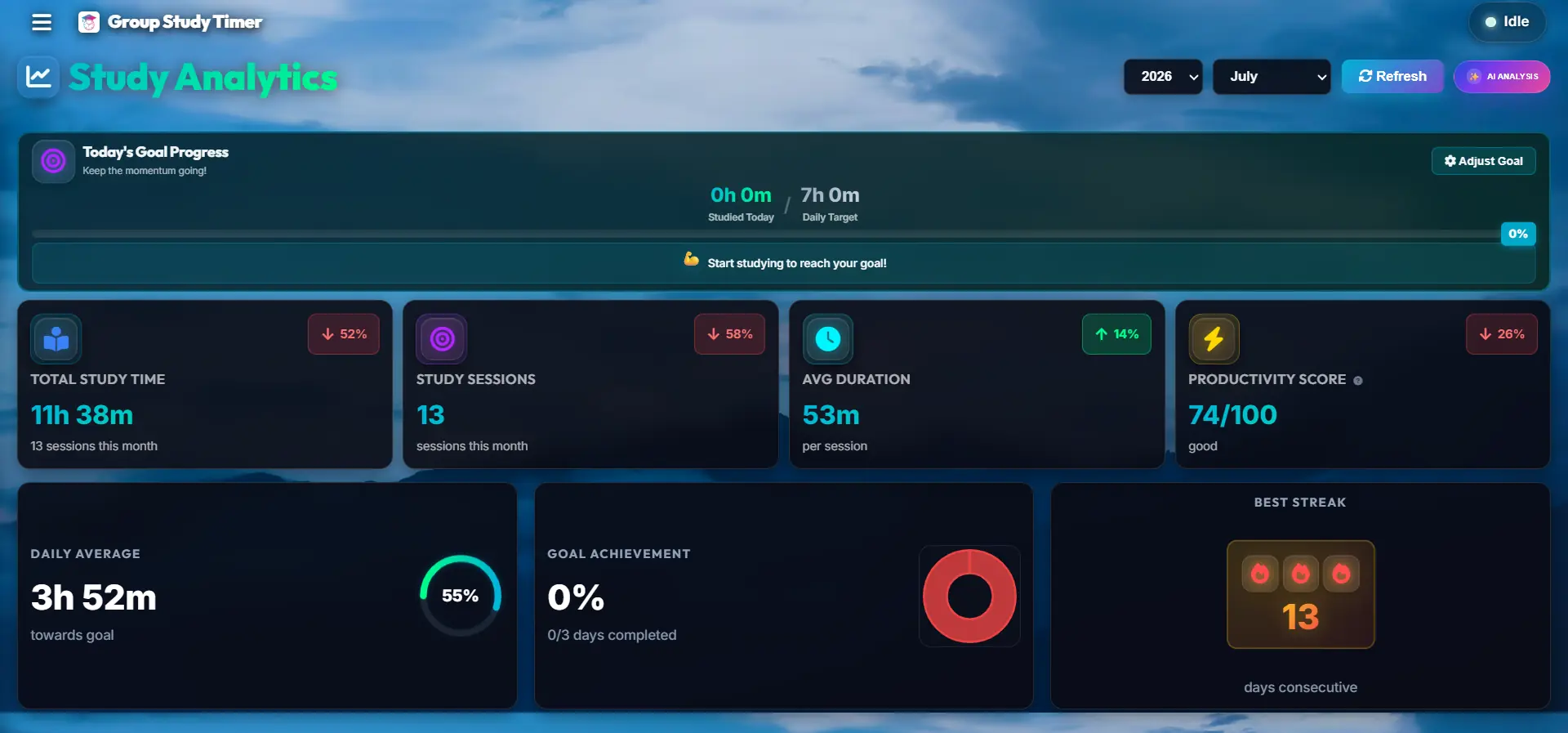
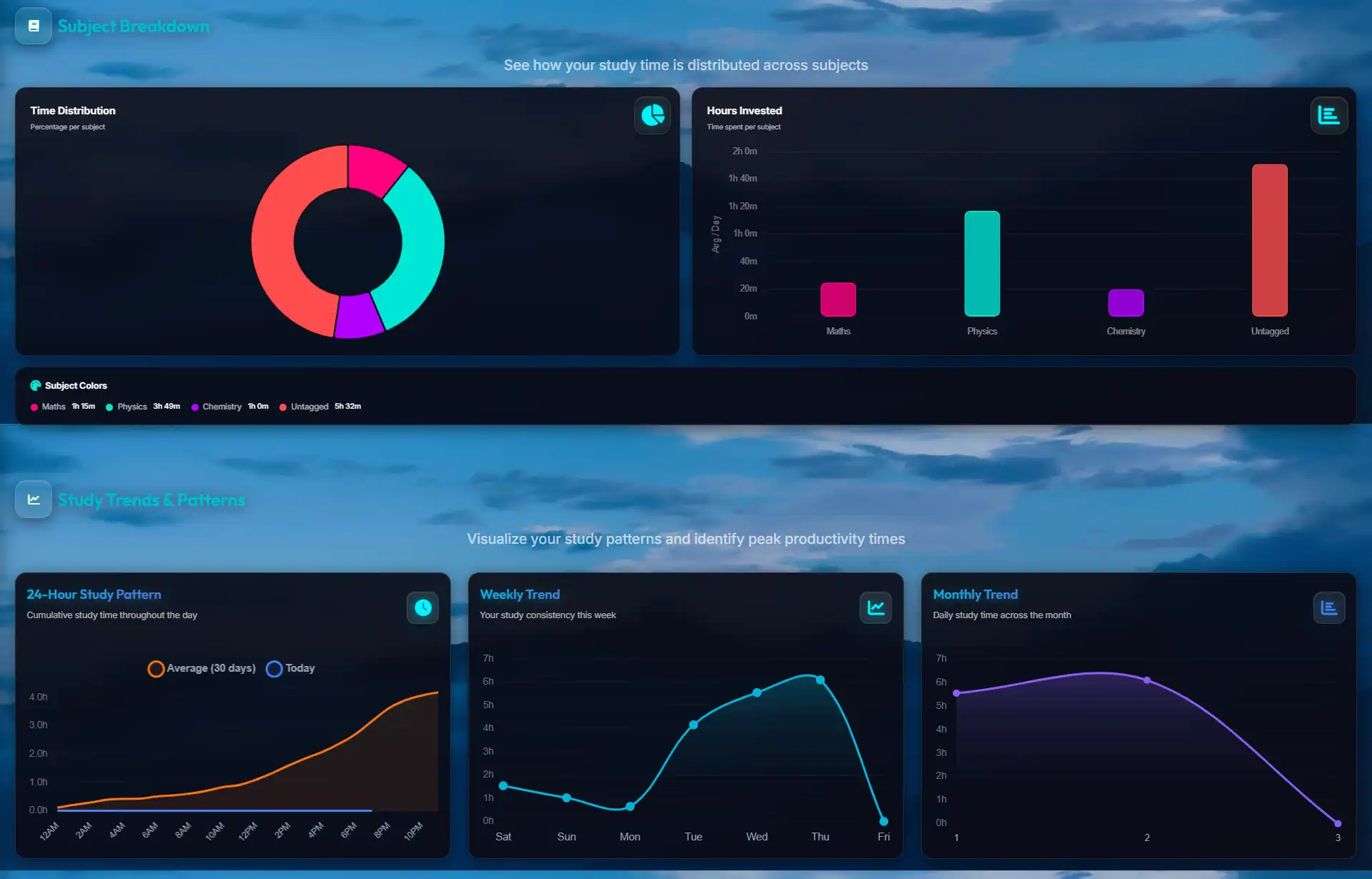
What you see after you join: a shared timer, a live leaderboard, study charts and a group chat.
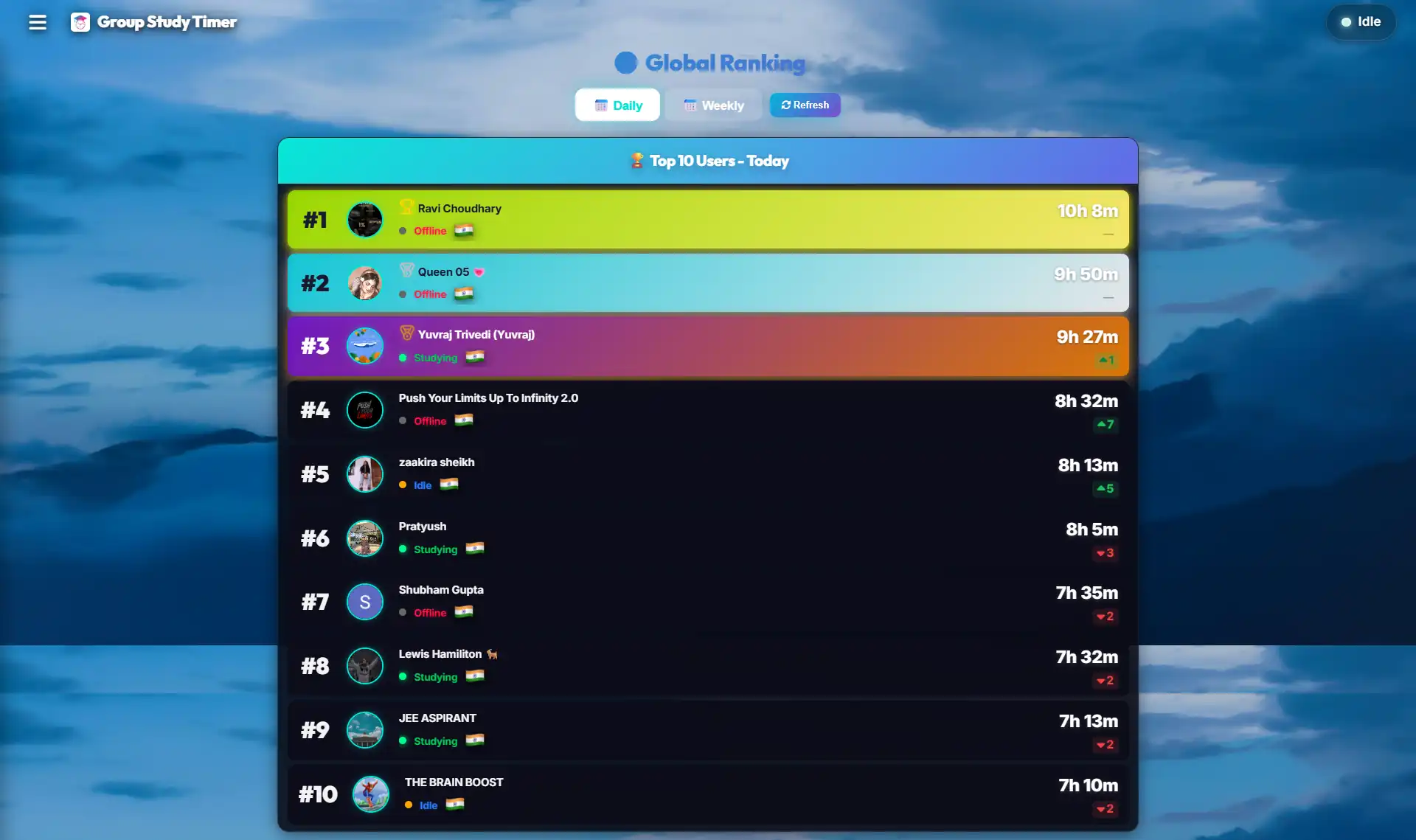
What a public study group is
A public group is an open study group that anyone with a Group Study Timer account can join. You don't need an invite or a code. You join, start your own timer, and study alongside everyone else who's online.
Everyone still runs their own sessions on their own subjects. What the group adds is company. You can see who's studying right now, how many hours each member has logged today, and where you sit on the group leaderboard. There's a chat for the breaks, when you want to ask a doubt or just say you're done for the night.
It works because studying is easier when you can see other people doing it. On a slow evening, a list of people who are all still going is often enough to get you through one more session.
How to join a public group
Open Communities
Sign in and open the Communities tab in the app, or go straight to the public groups list.
Pick a group
Read the description, check how many members it has, and see who runs it.
Join and start
Press Join Now and start your timer. Your hours begin counting on the group leaderboard.
How to pick the right group
The best group isn't always the biggest one. A few things matter more than the member count:
- The same goal. A group preparing for your exam, or at least the same kind of exam, talks about the things you're worried about.
- People who actually study. A group where members log real hours every day will pull you along. A big group where nobody's online won't.
- Your time zone. If most members study while you're asleep, the leaderboard will always look empty when you log in.
- Clear rules. Good groups say what the chat is for. If it's mostly memes during study hours, it'll distract you.
- Give it a week. It takes a few days to know whether a group suits you. If it doesn't, leave and try another.
Public group or private room?
Both use the same timer and leaderboard. The difference is who's in them.
| Public group | Private room | |
|---|---|---|
| Who can join | Anyone with an account | Only people you invite |
| Who you study with | Students with the same goal, from anywhere | Friends, classmates or a study partner |
| Good for | Motivation and a little friendly competition | Close accountability with people you know |
| How to start | Pick one from the Communities list | Create a room and share the code |
Plenty of students use both: a private room with two or three friends, and a public group for the wider push. Here's how to set up a private room with friends.
How to be a good group member
- Only run the timer when you're studying. Hours that include scrolling make the leaderboard meaningless for everyone, including you.
- Save the chat for breaks. A quick message between sessions is great. A running conversation during everyone's focus time isn't.
- Answer a doubt when you can. Explaining something to someone else is one of the best ways to learn it yourself.
- No spam or self-promotion. Links to your channel or course clutter a group fast.
- Be kind about the numbers. Someone with two hours today might have had a harder day than you. Cheer people on instead of comparing.
Run a study community?
Public groups are set up by our team together with the people who run them, like coaching communities, Discord servers and exam study groups. If you look after a community of students and want a public group of your own, email us with a little about your group and who it's for.
Moving your group over from another study app? See how we compare as a YPT alternative for PC.
Frequently asked questions
What is a public study group?
It's an open group on Group Study Timer that anyone with an account can join, without an invite code. Members study on their own timers, and the group shows who's online, how many hours everyone has logged today and a shared leaderboard, with a chat for breaks.
How do I join a public study group?
Sign in, open the Communities tab in the app and choose a group. Press Join Now, then start your timer, and your study time starts counting on the group leaderboard.
Are public study groups free?
Yes. Joining and studying in a public group is free. Premium lets you be in more groups at the same time, but you don't need it to join one.
What's the difference between a public group and a private room?
Anyone can join a public group from the Communities list. A private room is invite-only: you create it and share the code with the people you want in it, such as friends or classmates.
Can I leave a public group?
Yes. You can leave a group whenever you like and join a different one.
Find your group
Pick a public group for your exam, start your timer, and study with people who are working toward the same thing.
Browse Public Groups →